When to Stop Using Spreadsheets for Price Tracking
Your price tracking spreadsheet works — until it doesn't. Five signs you've outgrown Google Sheets for competitor price monitoring, plus 3 paths forward.

Spreadsheets Are a Perfectly Valid Starting Point
Stop using spreadsheets for price tracking when you hit 30+ products, spend more than 3 hours per week on updates, or your ImportXML formulas break monthly. At that point, spreadsheet maintenance costs $7,500–$12,500/year in opportunity cost — 6–10x more than a dedicated tool.
That said: if you're tracking competitor prices in a Google Sheet right now, you're already ahead of most retailers. 60–70% of small retailers don't monitor competitor prices at all. The fact that you built a spreadsheet, set up ImportXML formulas, and manually check prices means you've validated something critical — competitor price data is valuable to your business.
But spreadsheets have a ceiling. And most retailers hit it somewhere between 30 and 50 products.
The question isn't whether spreadsheets are bad. They're not. The question is whether the time you're spending on spreadsheet maintenance has crossed the line from "reasonable cost of doing business" to "I could be doing literally anything more productive with these hours."
The 5 Signs You've Outgrown Spreadsheets
1. You're Tracking More Than 30 Products
This is the hard threshold. Below 30 products, a well-structured Google Sheet with ImportXML formulas is manageable. You can update everything in an hour or two. You can eyeball the data and spot meaningful changes.
Above 30 products, things start compounding. Each product might have 3–8 competitors, which means you're monitoring 90–240 price points. Your spreadsheet tabs multiply. Formulas get nested. Scrolling becomes a workout. And the cognitive load of scanning 200+ cells for meaningful changes is the kind of task humans are genuinely bad at.
By 50 products, most retailers we've talked to describe their spreadsheet as "unwieldy" or "a mess I'm afraid to touch." By 100, it's usually abandoned or only partially updated.
2. ImportXML Is Breaking Monthly
Google Sheets' ImportXML function is a minor miracle for scraping simple web data. It's also wildly fragile. Retailers change their HTML structure, update product pages, switch platforms, or add anti-bot protections — and your formulas silently return errors or, worse, wrong data.
Industry estimates put ImportXML failure rates at 20–40% per month across actively maintained spreadsheets. That means if you're tracking 50 competitors, 10–20 of your formulas will break every month and need manual fixing.
ImportXML Failure Rate Google Sheets ImportXML formulas fail 20–40% of the time due to website changes — and they fail silently.
You might not even notice the breakage right away. A formula that returns "#N/A" is obviously broken. A formula that returns last month's price because the page structure changed? That's the dangerous kind — you're making pricing decisions on stale data without realizing it.
3. Updates Take More Than 3 Hours Per Week
Time yourself honestly for a month. Include everything: checking which formulas broke, manually looking up prices that ImportXML can't capture, updating new competitors, adding new products, reformatting data so it's actually readable.
Most retailers underestimate this by 50% or more. "Oh, it takes me about an hour" usually means 2–3 hours when actually tracked. And that's assuming you update consistently — which brings us to the next sign.
4. You're Missing Price Changes Between Updates
If you update your spreadsheet once a week on Monday mornings, you're blind to everything that happens Tuesday through Sunday. Competitors running flash sales, adjusting prices for the weekend, or responding to stock shortages — all invisible.
The cost of missed price changes compounds daily. The scenario is familiar: a competitor dropped prices on your bestselling product three days ago, your customers noticed before you did, and you lost a week of sales before responding.
Real-time monitoring isn't necessary for every business. But if you've lost sales because you discovered a competitor's price change too late, your update frequency isn't matching your market's pace.
5. You Have No Historical Trends
A spreadsheet shows you today's prices. Maybe last week's if you're disciplined about archiving snapshots. But seasonal trends? Multi-month patterns? "When does this competitor typically run their biggest discounts?"
Without historical data, you're making pricing decisions based on a single data point. You can't answer questions like:
- Is this competitor's current price abnormally low, or do they always price this way?
- Do my competitors raise prices before holiday periods?
- Has the market price for this product category been trending up or down over 6 months?
These insights require months or years of consistent data collection — exactly the kind of thing humans are bad at maintaining in spreadsheets.
5 Signs Your Price Tracking Spreadsheet Has Hit Its Limit
Most retailers think spreadsheet tracking is "free" because Google Sheets doesn't charge. But your time isn't free.
The math:
A typical retailer tracking 30–50 products across 5–8 competitors spends 3–5 hours per week on spreadsheet maintenance. That's 150–250 hours per year.
Maintenance Hours Spreadsheet-based tracking requires 150–250 hours per year to maintain — that's 3–5 hours every week.
At $50/hour (a conservative estimate based on Australian small business owner earnings data — most are worth significantly more), that's $7,500–$12,500 per year in opportunity cost.
The Opportunity Cost Manual price tracking costs $7,500–$12,500 per year in analyst time and missed pricing opportunities.
For context, a dedicated price monitoring tool costs $0–$99/month ($0–$1,188/year). Even the most expensive tool on the market pays for itself if it saves you 24 hours per year. Spreadsheet tracking costs 6–10x more than the tools designed to replace it.
And that's just the direct time cost. The indirect costs — missed price changes leading to lost sales, pricing decisions based on stale data, stress from managing a fragile system — are harder to quantify but very real.
| Spreadsheet | DIY Automation | SaaS Tool | Pre-Collected Platform | |
|---|---|---|---|---|
| Setup time | 1–2 hours | 10–20 hours | 2–10 hours | ~10 seconds |
| Weekly maintenance | 3–5 hours | 15–45 min | Minimal | None |
| Annual time cost | 150–250 hrs | 12–36 hrs | ~10 hrs | ~0 hrs |
| Annual $ cost | $0 (tool only) | $660–$3,120 | $480–$4,788 | $0–$1,188 |
| True annual cost (time + tool) | $7,500–$12,500 | $1,260–$4,920 | $980–$5,288 | $0–$1,188 |
| Product scale limit | ~50 | 50–100 | 2,500+ | Unlimited |
| Historical data | Manual snapshots only | What you build | 1 year (varies) | 3 years from day one |
| Product matching | Manual | None | ML + manual | Automated (90%+) |
What Comes Next: 3 Paths Forward
When you're ready to move beyond spreadsheets, you have three realistic options. Each has tradeoffs.
Path 1: DIY Automation (n8n, Apify, Browse AI)
"I spent 8 hours last weekend fixing my workflow" is the canonical complaint in n8n community forums. That's the tradeoff with DIY automation: you build scraping workflows that pull competitor prices on a schedule, and the initial setup (10–20 hours) feels productive. Self-hosted n8n is free. You control exactly what you scrape.
Then websites redesign and your scrapers break. Maintenance runs 12–36 hours per year. You hit a ceiling around 50–100 products where execution limits and debugging complexity make it a part-time job. And you get raw data, not intelligence — no product matching, no trend analysis. Best for technical retailers with fewer than 50 products who genuinely enjoy building systems.
For a deeper dive, see our analysis of whether DIY price monitoring is worth it.
Path 2: Traditional SaaS (Prisync, Price2Spy)
| Prisync | Price2Spy | |
|---|---|---|
| Entry price | $99/month (250 URLs) | $39.95/month (500 URLs) |
| Rating | 4.8/5 Capterra (130 reviews) | 5.0/5 support rating (99 reviews) |
| Setup time | 2–8 hours (CSV + URL mapping) | 3–10 hours (managed by support team) |
| Track record | Founded 2013, $6.6M revenue | Founded 2011, 750+ customers |
These are the proven platforms. A decade of track record, real customer support, dashboards, alerts, and historical data. The tradeoff is setup friction: you need to prepare CSV files with product names, SKUs, and competitor URLs. Pricing scales with your product count. But if you want an established platform and can invest a few hours upfront, either of these is a major step up from spreadsheets.
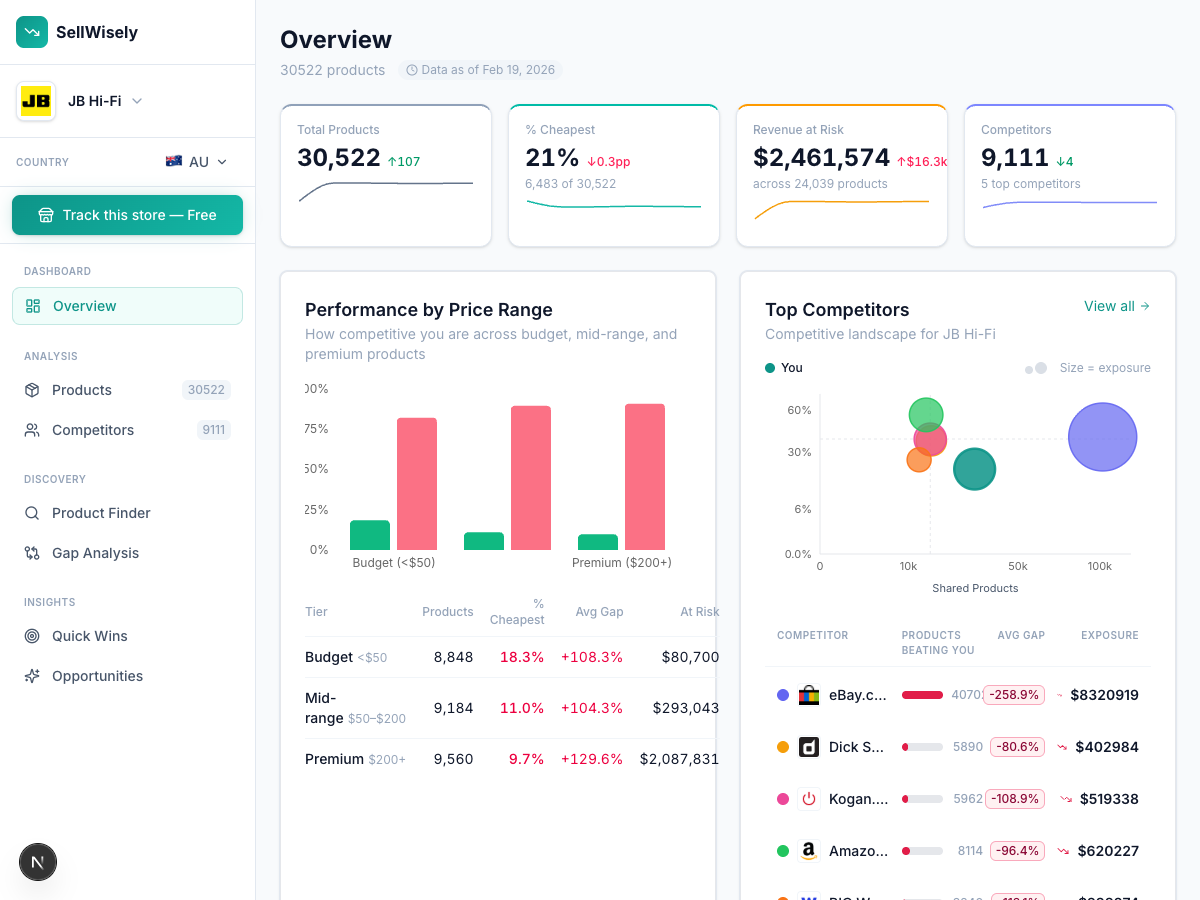
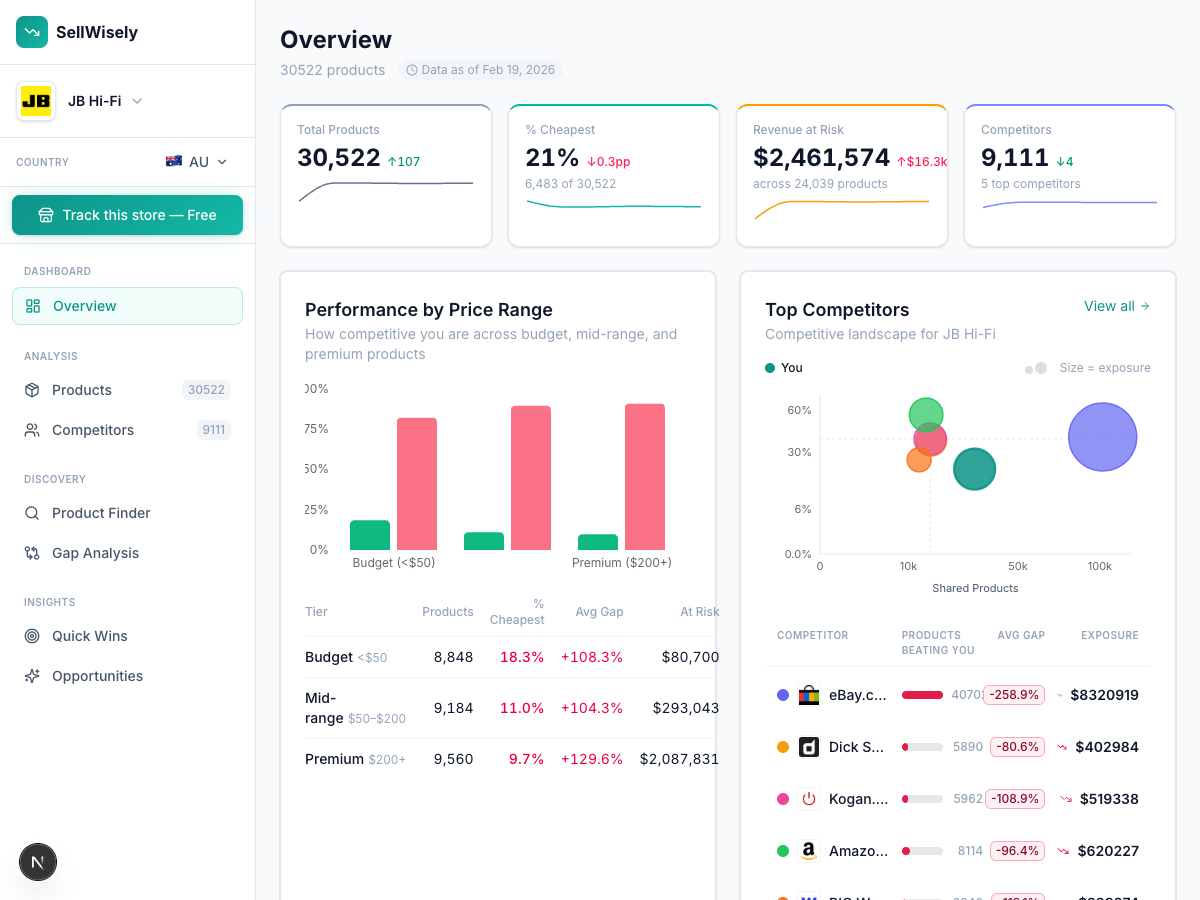
Path 3: Pre-Collected Data Platforms (SellWisely)
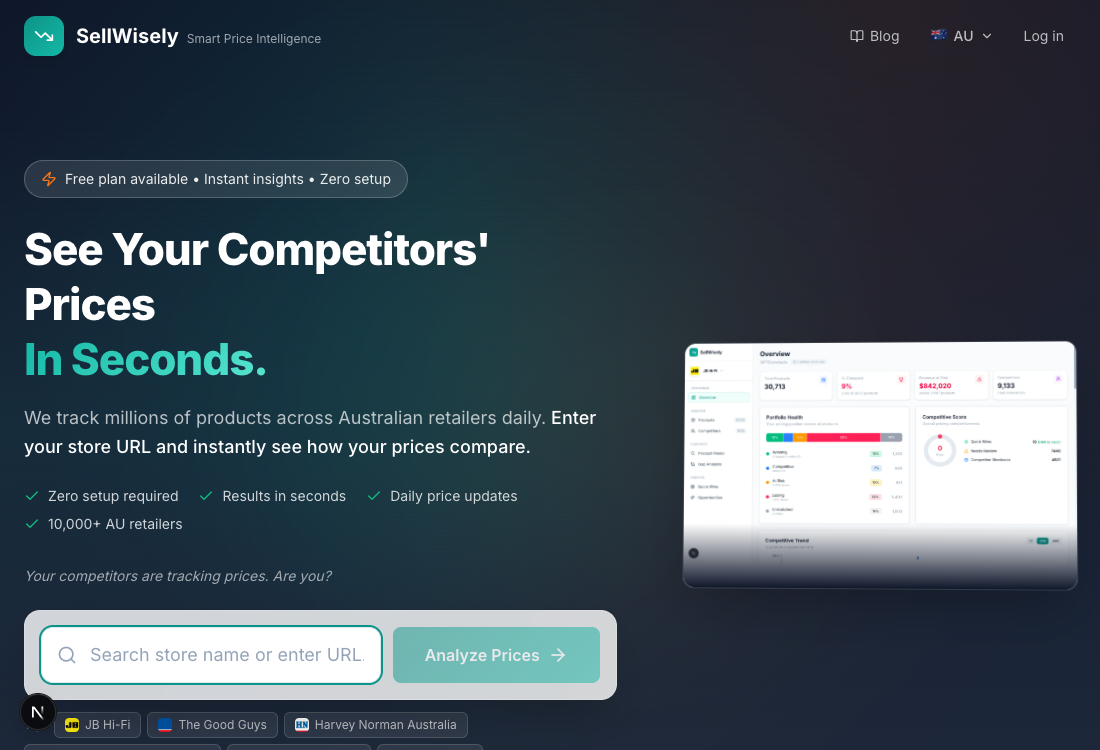
The opposite philosophy: instead of telling a tool what to track, use a platform that already has the data. Enter your store URL, see competitor prices in about 10 seconds. Free tier, 3 years of historical data from day one, automated product matching that surfaces competitors you didn't know existed.
The tradeoff: this is a newer approach with fewer years of market presence than Prisync or Price2Spy, coverage is deepest in certain markets, and features like dynamic pricing automation aren't available yet. But if your main barrier has been setup friction — and for most spreadsheet users, it is — this removes it entirely.
What to Keep From Your Spreadsheet
When you migrate, don't throw everything away.
Keep your product list. Every tool needs to know what you sell. A clean list of your products — names, SKUs, URLs — is valuable regardless of which path you take. Strip out the broken ImportXML formulas and competitor data columns, but preserve your catalog data.
Keep your competitive insights. If you've developed intuitions about pricing patterns ("Competitor X always drops prices in June," "Competitor Y matches my prices within 48 hours"), write those down. They're hard-won knowledge that a tool can confirm with data but can't generate on its own.
Drop the manual processes. The entire point of switching is to stop copying and pasting prices. Resist the urge to maintain a "backup spreadsheet" alongside your new tool. That's how you end up doing double the work.
Making the Switch
If your spreadsheet has been annoying you for months, that's your signal.
Start with the free options. SellWisely's free tier covers 50 products with zero setup — you can compare it against your spreadsheet data in minutes. If you prefer the traditional SaaS route, Prisync offers a 14-day trial.
The goal isn't to find the perfect tool. It's to stop spending 150–250 hours per year on work that a $0–$99/month tool can handle in minutes.
For a complete comparison of all your options, see our guide to how to track competitor prices in 2026.
Still copying prices into cells? Try SellWisely free — 50 products, zero setup, and you can compare against your spreadsheet data in minutes.
Ready to track your competitors' prices?
Enter your store URL and see competitor prices instantly. No signup required.
Try SellWisely Free